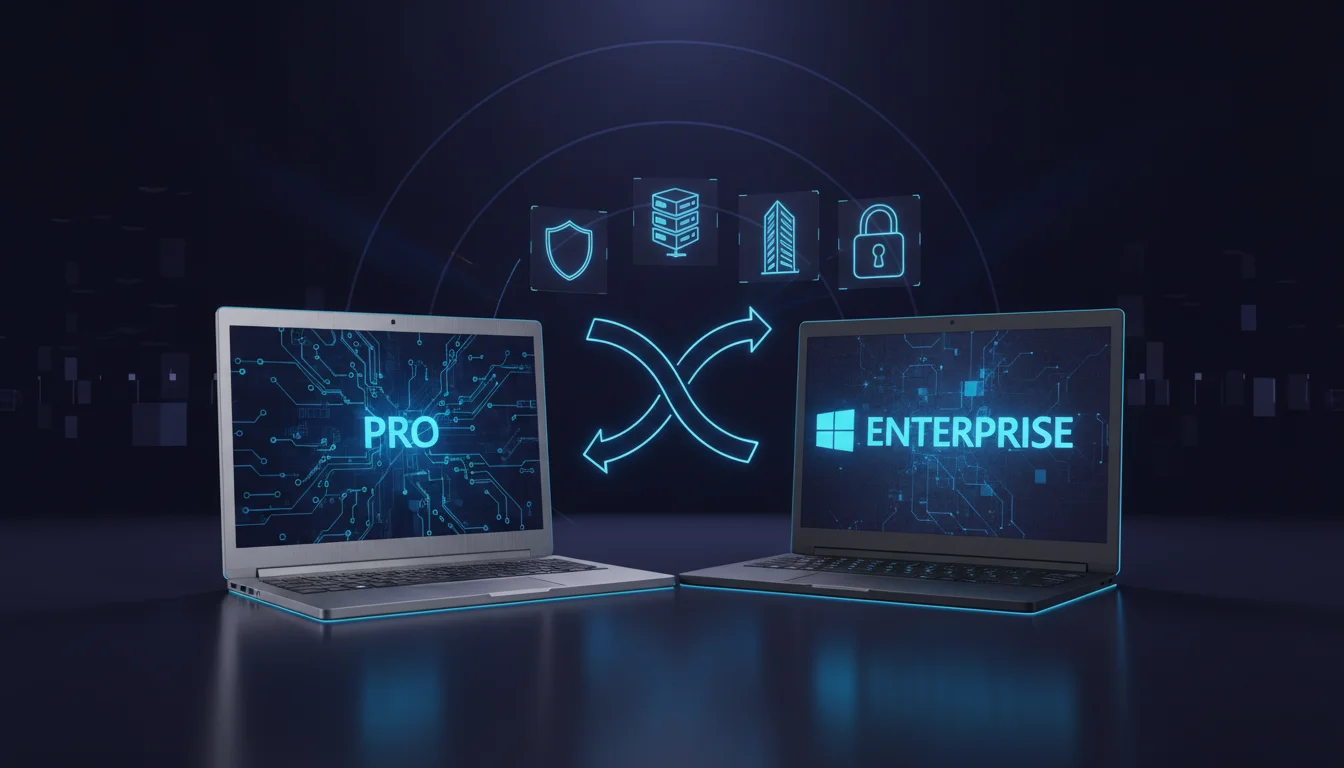
A Windows enterprise license key unlocks features beyond what Pro offers — AppLocker, Credential Guard, DirectAccess, and 36 months of support instead of 24. But Enterprise is a subscription, not a one-time purchase, and most businesses under 25 employees do not need it.
This guide compares Windows Enterprise and Pro side by side: what each edition includes, how much they cost, how licensing works, and a clear decision framework for choosing the right one.
Key Takeaways:
- Windows Pro is a one-time purchase ($99.99 from The Software City). Windows Enterprise is a subscription (~$7/user/month) that requires Pro as a base — you cannot skip Pro.
- Enterprise adds AppLocker, Credential Guard, Windows Autopilot, DirectAccess, and 36-month feature update support. For most small and mid-size businesses, Pro’s BitLocker, Remote Desktop, and Group Policy are sufficient.
- A 25-person business pays $15,000–$20,000 for Enterprise over five years vs $2,500 one-time for Pro licenses. Enterprise is worth it only when you need its specific security and management features.
What Is the Difference Between Windows Enterprise and Pro?
Windows Enterprise is not a separate operating system — it is an upgrade layer that sits on top of Windows Pro. You must have Pro installed before you can activate Enterprise. Both share the same core OS; Enterprise simply unlocks additional management and security features.
| Feature | Windows Pro | Windows Enterprise |
|---|---|---|
| BitLocker encryption | Yes | Yes |
| Remote Desktop (host) | Yes | Yes |
| Hyper-V virtualization | Yes | Yes |
| Group Policy Editor | Yes | Yes |
| Windows Sandbox | Yes | Yes |
| Domain join (Active Directory) | Yes | Yes |
| AppLocker | No | Yes — whitelist-only app control |
| Credential Guard | No | Yes — hardware-isolated credential protection |
| Device Guard | No | Yes — code integrity policies |
| DirectAccess | No | Yes — always-on VPN without user action |
| Windows Autopilot | Limited | Full — zero-touch device provisioning |
| Windows Update for Business | Basic | Advanced — granular deferral and compliance |
| BranchCache | No | Yes — WAN bandwidth optimization |
| Support duration | 24 months per feature update | 36 months per feature update |
| Licensing model | One-time purchase | Subscription (per user/month) |
The features that separate Enterprise from Pro are primarily about centralized IT management and advanced security — controlling which applications can run, protecting credentials at the hardware level, and managing large device fleets with zero-touch deployment.
How Much Does Each License Cost?
This is where the decision gets real. The cost structures are fundamentally different:
Windows Pro — One-Time Purchase
| Source | Price Per Device |
|---|---|
| The Software City | $99.99 |
| Microsoft Store | $199 |
| OEM (pre-installed) | Included in device price |
You pay once. The license is permanent. No recurring fees.
Windows Enterprise — Monthly Subscription
| Plan | Per User/Month | Annual Per User | Includes |
|---|---|---|---|
| Windows Enterprise E3 | ~$7.00 | ~$84 | Enterprise features + 36-month support |
| Windows Enterprise E5 | ~$11.00 | ~$132 | E3 + Microsoft Defender for Endpoint |
| Microsoft 365 E3 | ~$36.00 | ~$432 | Windows E3 + Office 365 + EMS |
Note: Enterprise pricing is increasing after July 1, 2026 (E3 moving to ~$7.63/user/month).
5-Year Cost Comparison
| Business Size | Pro (one-time) | Enterprise E3 (5 years) | Difference |
|---|---|---|---|
| 10 employees | $999 | $4,200 | Enterprise costs 4.2× more |
| 25 employees | $2,499 | $10,500 | Enterprise costs 4.2× more |
| 50 employees | $4,999 | $21,000 | Enterprise costs 4.2× more |
| 100 employees | $9,999 | $42,000 | Enterprise costs 4.2× more |
Pro prices based on $99.99/device from The Software City. Enterprise E3 at $7/user/month × 60 months.
When Do You Need Windows Enterprise?
Enterprise is justified when your organization requires features that Pro simply does not have. Here are the specific scenarios:
You need AppLocker — Your security policy requires whitelisting specific applications. Only approved executables can run. This is common in healthcare, finance, and government where regulatory compliance mandates application control.
You need Credential Guard — You operate in an environment where pass-the-hash and credential theft attacks are a real threat. Credential Guard uses hardware-based virtualization to isolate credentials from the rest of the OS.
You need DirectAccess — Your employees need always-on VPN connectivity without manually connecting. DirectAccess creates a seamless tunnel whenever the device has internet access. (Note: Microsoft recommends Always On VPN as the successor to DirectAccess.)
You need full Windows Autopilot — You deploy dozens or hundreds of new devices and need zero-touch provisioning where employees receive a device, power it on, sign in, and all policies/apps deploy automatically.
You need 36-month support cycles — Your change management process cannot accommodate feature updates every 24 months. Enterprise gives you an extra year per feature update.
When Is Windows Pro Enough?
For most small and mid-size businesses, Pro has everything you need:
| Business Need | Pro Covers It? |
|---|---|
| Full-disk encryption (BitLocker) | Yes |
| Remote desktop access | Yes |
| Virtual machines (Hyper-V) | Yes |
| Join Active Directory domain | Yes |
| Group Policy management | Yes |
| Windows Sandbox for testing | Yes |
| Defer Windows Updates | Yes (basic) |
| Run Docker containers | Yes |
Pro is enough if: – Your organization has fewer than 25 employees – You do not have regulatory requirements for application whitelisting – You can manage updates within 24-month cycles – Your IT team can handle device setup without zero-touch provisioning – You prefer one-time costs over ongoing subscriptions
For individual Pro licenses, see our Windows 11 Pro buying guide.
How to Get a Windows Enterprise License Key
Enterprise licenses are not sold as individual product keys. They are obtained through Microsoft subscription programs:
- Microsoft 365 E3 or E5 — Includes Windows Enterprise as part of a broader productivity suite
- Windows Enterprise E3/E5 standalone — Through a Microsoft Cloud Solution Provider (CSP)
- Enterprise Agreement (EA) — For organizations with 500+ users
The process: 1. Contact a Microsoft Licensing Partner or CSP 2. Purchase per-user subscriptions 3. Enterprise features activate on top of existing Pro installations 4. Manage activation through Azure Active Directory
You cannot: Buy a single Enterprise key from a retail store or online reseller. Any site claiming to sell individual Enterprise keys outside of Microsoft’s subscription programs is likely selling improperly obtained volume license keys.
For volume licensing with MAK keys, see our Windows 11 Pro MAK key guide.
Can I Upgrade from Pro to Enterprise?
Yes. Enterprise is an upgrade applied on top of Pro — not a separate installation.
Subscription method (recommended): 1. Purchase Windows Enterprise E3 or E5 subscriptions 2. Assign licenses to users in Azure AD 3. Users sign in on their Pro devices 4. Enterprise features activate automatically
Key method (volume licensing):
1. Obtain an Enterprise MAK or KMS key from your volume licensing agreement
2. Enter the key via Settings > Activation or slmgr /ipk command
3. Pro upgrades to Enterprise in place — no reinstall needed
In both cases, all files, apps, and settings are preserved. The upgrade simply unlocks additional features.
Frequently Asked Questions
What is a Windows enterprise license key?
A Windows enterprise license key is an activation key for Windows Enterprise edition, obtained through Microsoft Volume Licensing or subscription programs (M365 E3/E5, Windows E3/E5). It is not sold as an individual retail key. Enterprise requires Windows Pro as a base and adds advanced security and management features.
Is Windows Enterprise better than Pro?
Enterprise has more features, but “better” depends on your needs. Enterprise adds AppLocker, Credential Guard, DirectAccess, and 36-month support. If you do not need these specific features, Pro ($99.99 one-time) delivers the same core experience without the ongoing subscription cost (~$84/user/year).
Can I buy Windows Enterprise as a one-time purchase?
No. Enterprise is exclusively available as a subscription through Microsoft CSP partners, Microsoft 365 E3/E5, or Enterprise Agreements. There is no perpetual license option for Enterprise.
Do I need Pro before I can use Enterprise?
Yes. Windows Enterprise is an upgrade layer that activates on top of a Pro installation. You cannot install Enterprise on a device running Windows Home or on a bare machine. Every Enterprise device needs a Pro base license.
How much does Windows Enterprise cost per year?
Windows Enterprise E3 costs approximately $84/user/year ($7/month). Windows Enterprise E5 costs approximately $132/user/year ($11/month). These prices are increasing after July 1, 2026. Microsoft 365 E3 ($432/user/year) bundles Enterprise with Office 365 and Enterprise Mobility.
Is Windows Pro enough for a small business?
Yes, for most businesses under 25 employees. Pro includes BitLocker, Remote Desktop, Hyper-V, Group Policy, domain join, and Windows Sandbox. Unless you have regulatory requirements for AppLocker or Credential Guard, Pro at $99.99/device from The Software City covers every common business need.
Need Windows Pro for your business? Get genuine Windows 11 Pro licenses at $99.99 each from The Software City — one-time purchase, no subscription, authorized Microsoft Partner. For Enterprise needs, contact a Microsoft CSP partner.


