
Microsoft Office Click-to-Run: What It Is, High CPU Fixes, and Whether to Disable It
What Microsoft Office Click-to-Run is, why it spikes CPU/disk, and how to fix it safely — repair, pause, or adjust update settings without disabling it.
What Microsoft Office Click-to-Run is, why it spikes CPU/disk, and how to fix it safely — repair, pause, or adjust update settings without disabling it.

Yes, Windows 10 still works after 2025. Here’s what changed, free vs paid ESU options through October 2027, and how to check Windows 11 eligibility.
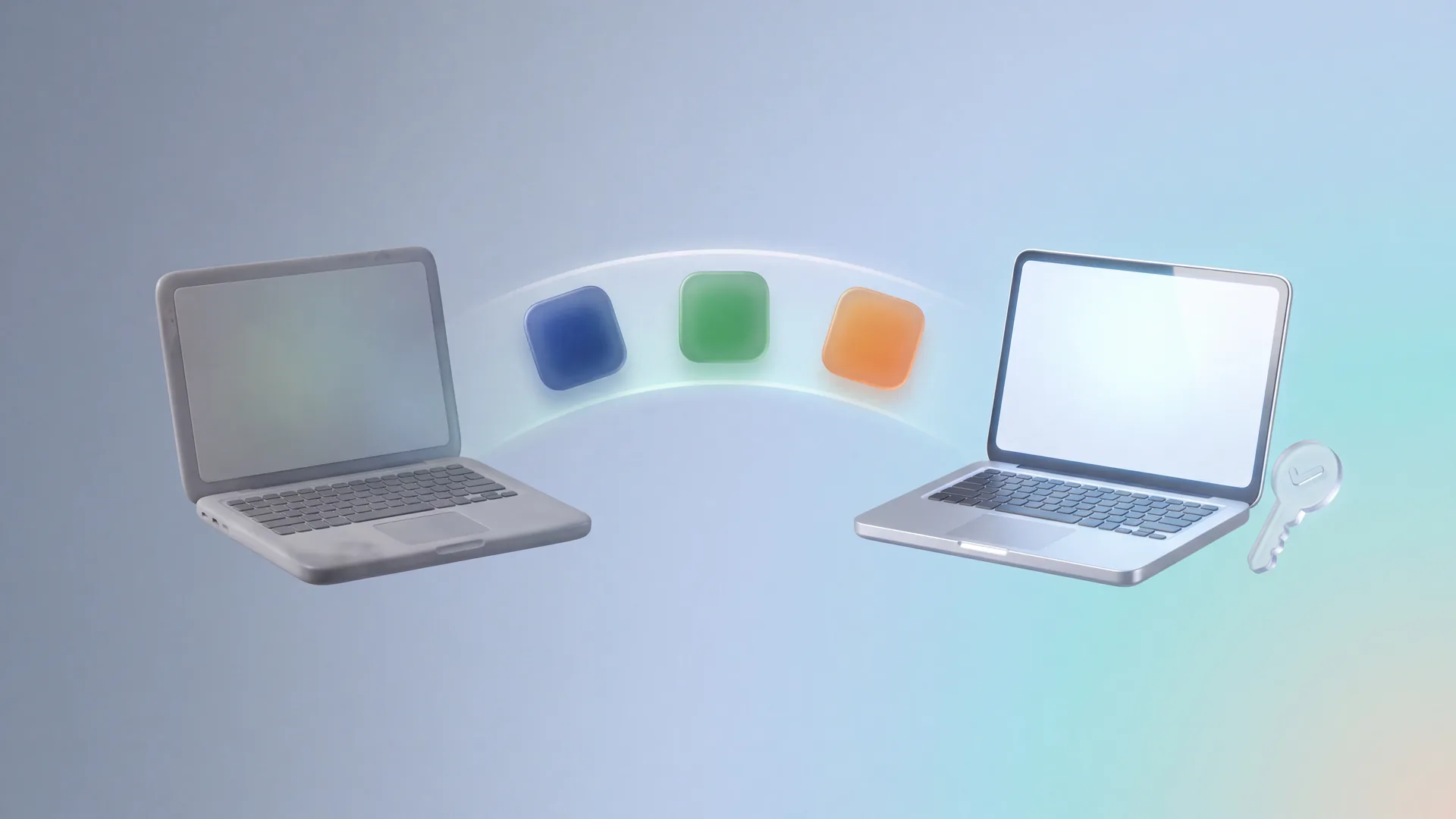
Yes — if it’s a retail license. Check retail vs OEM with slmgr/ospp.vbs, uninstall on the old PC, then reinstall and activate Office 2016–2024 on the new one.
If you’ve been putting off buying a Windows 11 license because you’re not sure which edition to get, where to buy it safely, or whether it’s even worth upgrading from…
If you’ve been searching for where to buy Microsoft Office 2021, you already know what you want — a reliable, one-time purchase that doesn’t chain you to a monthly fee.…

Buying Microsoft Office online should be straightforward. You find a seller, compare prices, pick one. But somewhere between “compare prices” and “pick one,” a lot of people hit a wall…
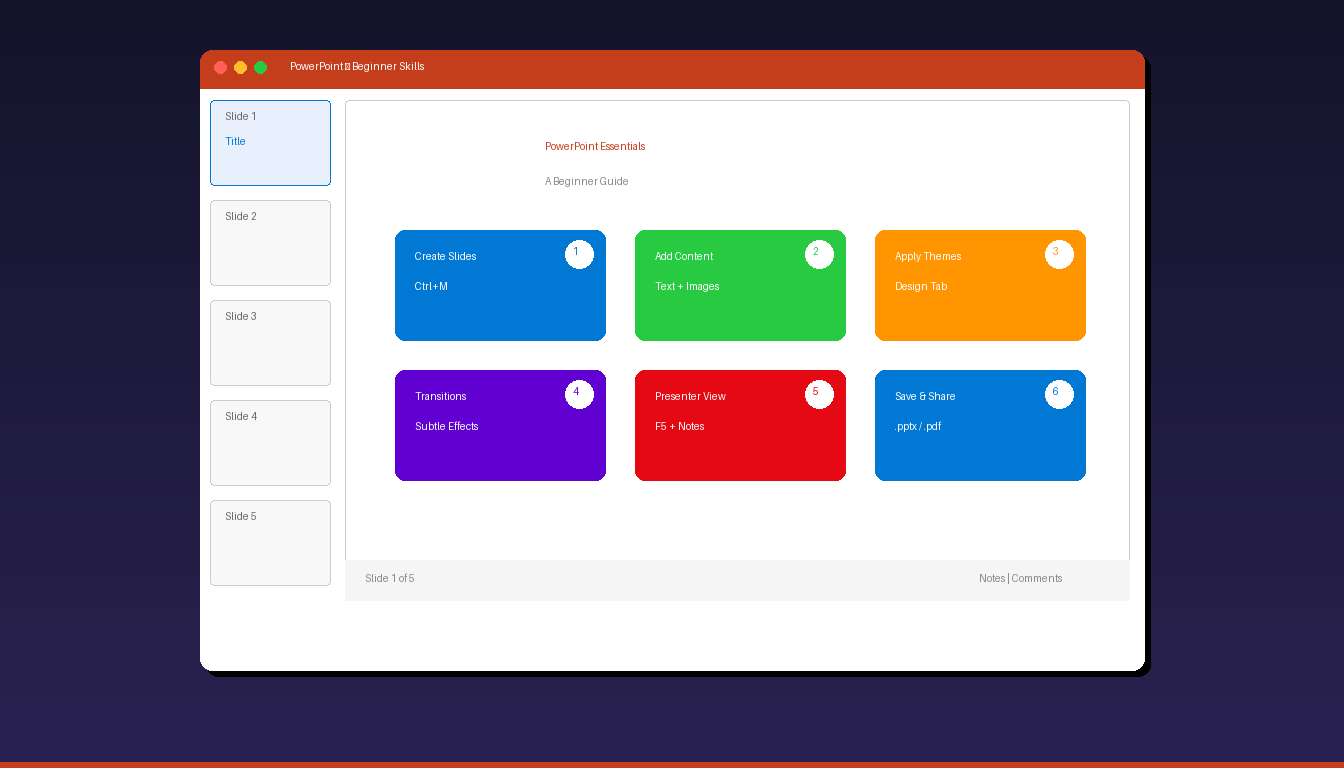
Microsoft PowerPoint lets you create professional presentations by combining text, images, charts, and animations on slides. Whether you are presenting a school project, business pitch, or training session, these essential…
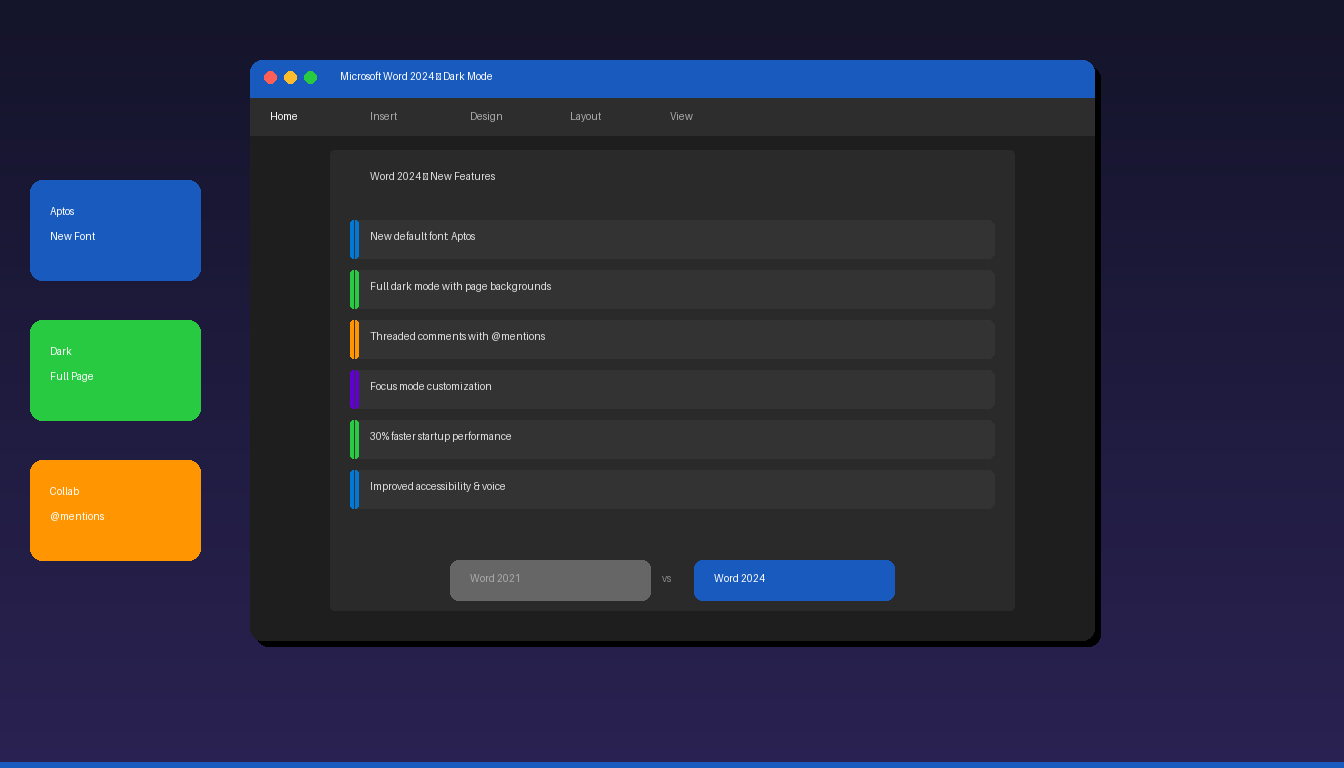
Microsoft Word 2024 is the latest one-time purchase version of Word, included in Office 2024. It brings modernized design, improved dark mode, better collaboration features, and the new Aptos default…
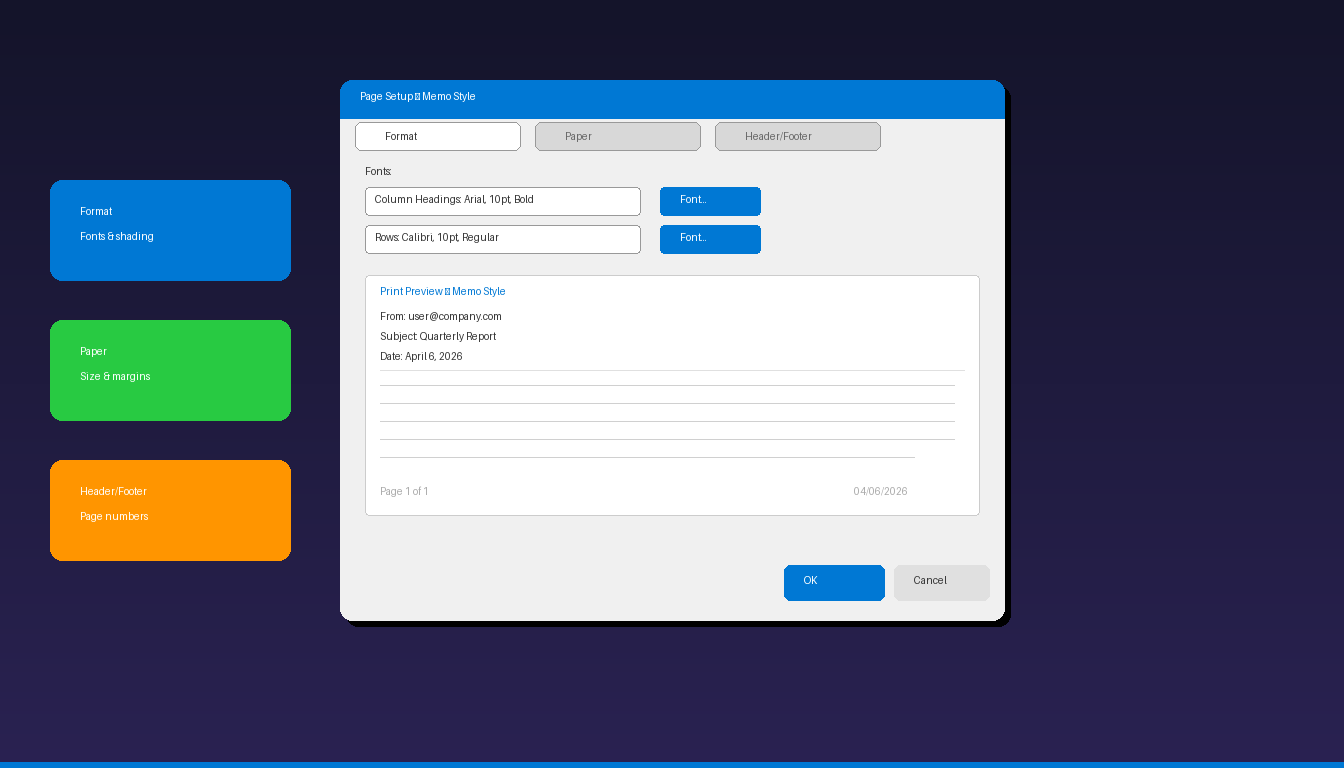
The Page Setup dialog box in Microsoft Outlook controls how emails, calendars, and contacts look when printed — including fonts, paper size, margins, headers, and footers. Customizing these settings ensures…
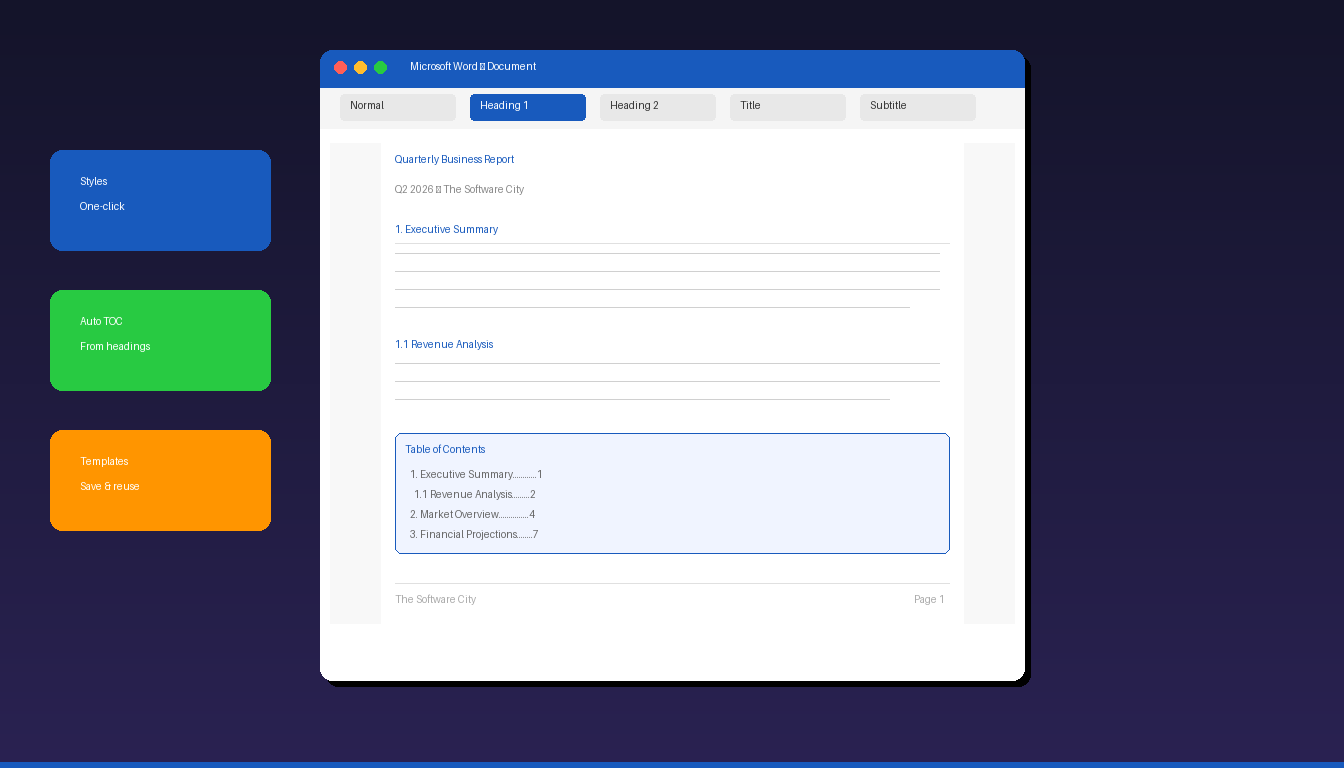
Professional document formatting in Microsoft Word starts with Styles — predefined combinations of fonts, sizes, and spacing that you apply with one click and modify globally across the entire document.…