How to Create and Use Lookup Tables in Excel
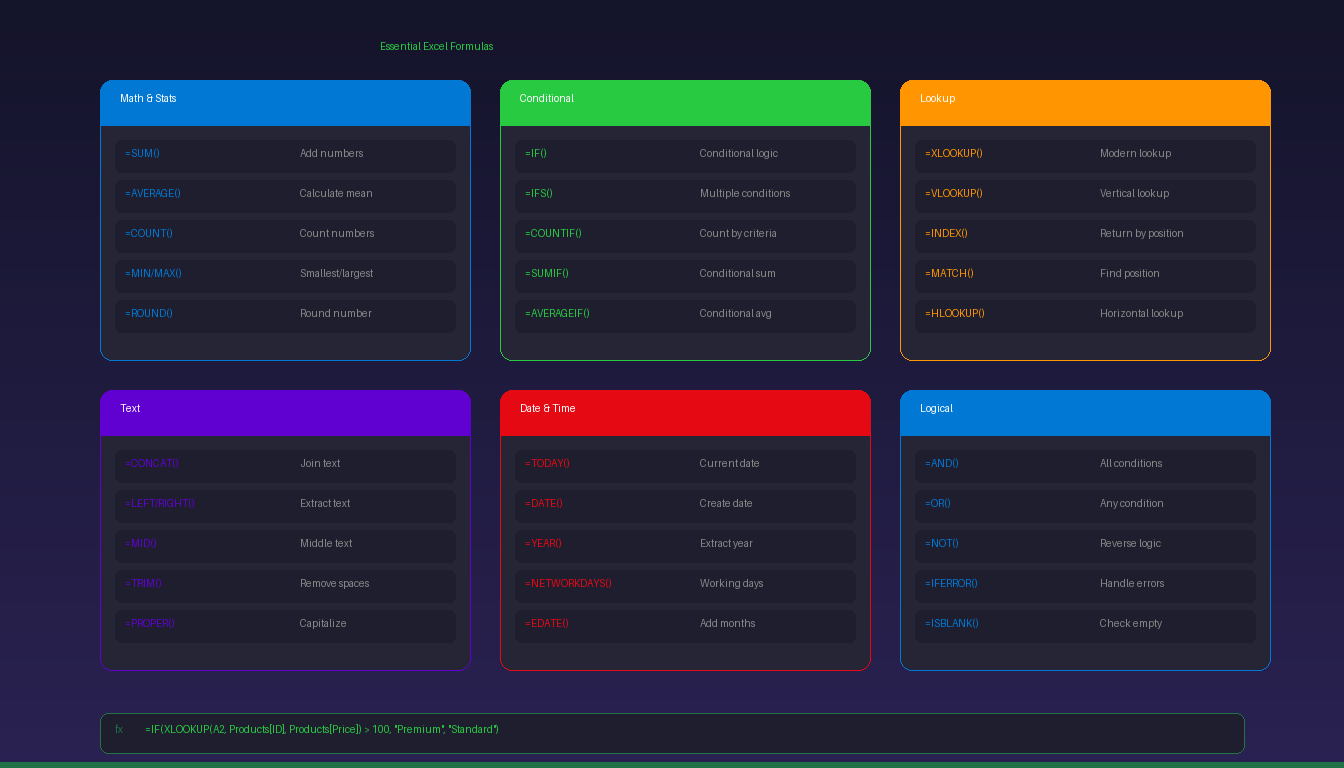
A lookup table in Excel is a structured reference sheet that stores data you frequently need — like product prices, employee IDs, or tax rates — so you can pull…

A lookup table in Excel is a structured reference sheet that stores data you frequently need — like product prices, employee IDs, or tax rates — so you can pull…

Python in Excel lets you write Python code directly in spreadsheet cells using the =PY() function — combining Excel’s familiar interface with Python’s powerful data analysis libraries like pandas, matplotlib,…

An Excel dashboard displays key metrics and data visualizations on a single sheet that updates automatically when your data changes. The core building blocks are pivot tables for summarizing data,…

Windows 11 collects diagnostic data, tracks your location, serves personalized ads, and monitors your activity history by default. You can disable most of these settings in a few minutes without…

Microsoft Outlook does not have a built-in feature to automatically send the same email on a recurring schedule. However, you can achieve recurring emails using Microsoft Power Automate (free with…

Windows 11 includes dozens of settings that affect system speed — from visual effects and power plans to startup apps and background services. Adjusting these settings can reduce boot times…

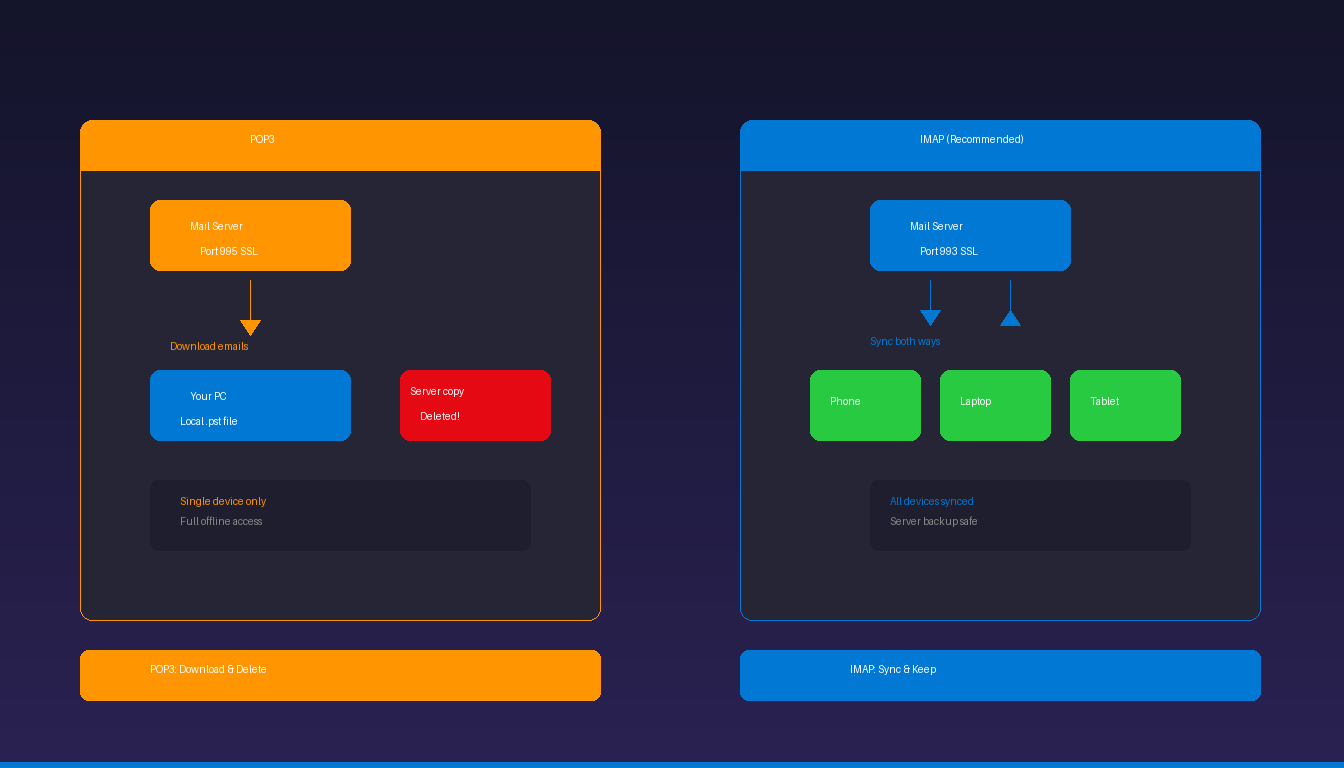
Yahoo Mail connects to Microsoft Outlook through either OAuth authentication (a browser sign-in page) or manual IMAP configuration with an app password. Newer versions of Outlook support OAuth, which means…

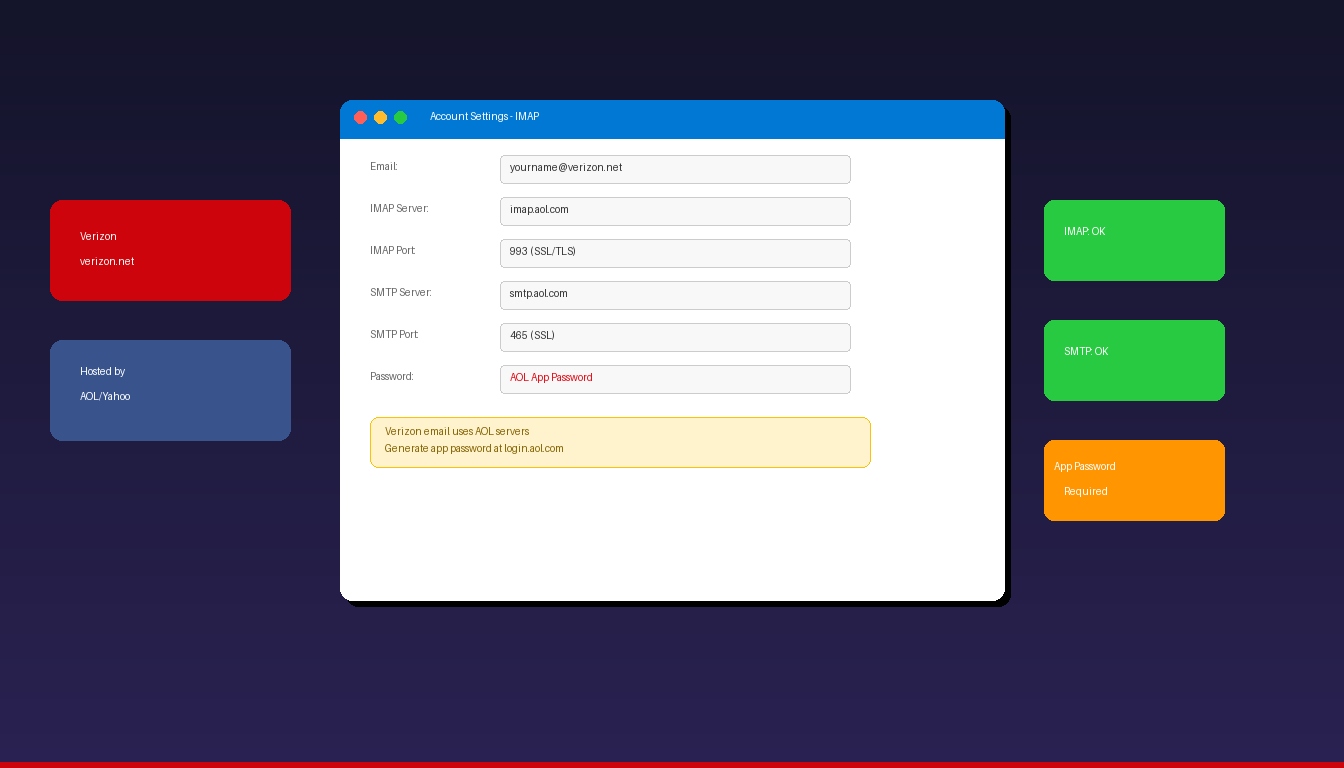
AOL email connects to Microsoft Outlook using IMAP and SMTP with SSL encryption. If you have two-step verification enabled on your AOL account, you need to generate an app password…

Microsoft Outlook and Teams work together to let you schedule video meetings directly from your calendar — a Teams join link is automatically added to the meeting invite when you…

A distribution list in Microsoft Outlook lets you send emails to multiple people at once by typing a single group name instead of adding each recipient individually. Outlook calls these…