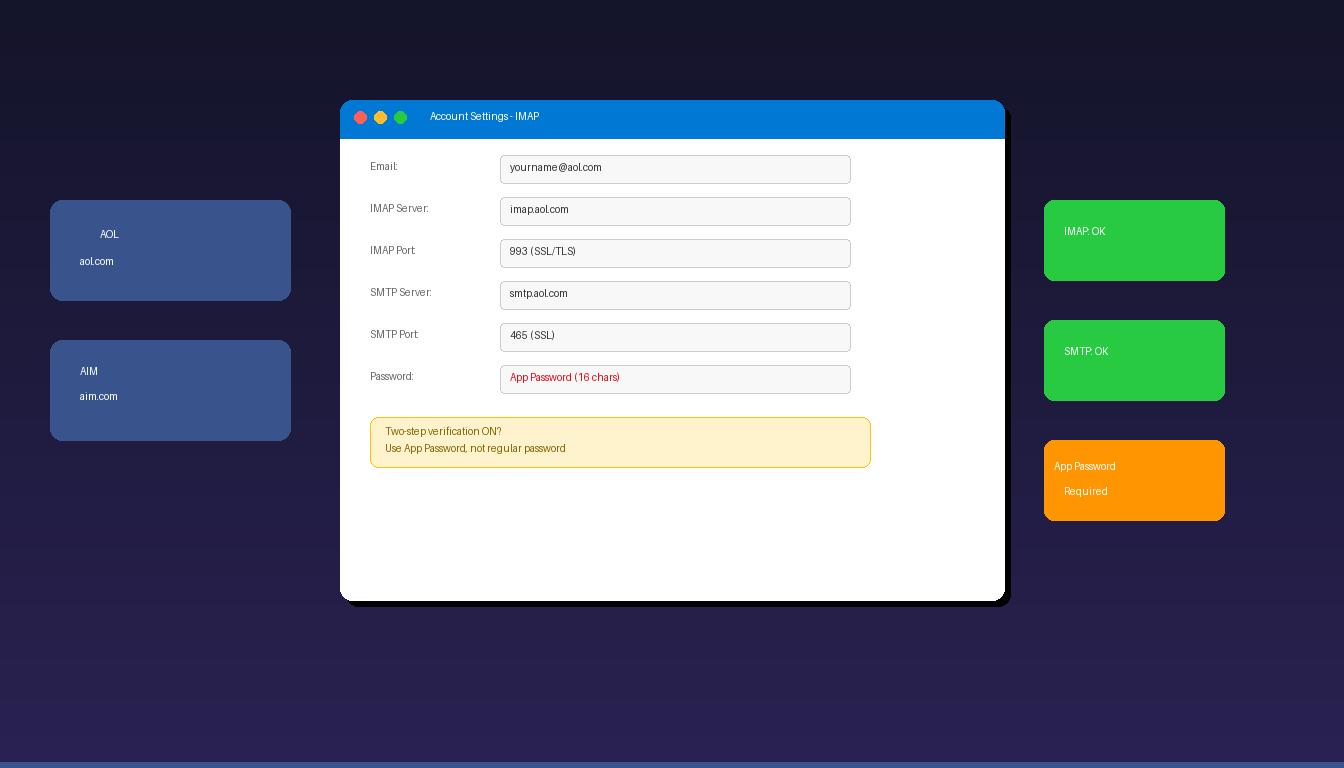
How to Set Up AOL Email in Outlook
AOL email connects to Microsoft Outlook using IMAP and SMTP with SSL encryption. If you have two-step verification enabled on your AOL account, you need to generate an app password…
AOL email connects to Microsoft Outlook using IMAP and SMTP with SSL encryption. If you have two-step verification enabled on your AOL account, you need to generate an app password…
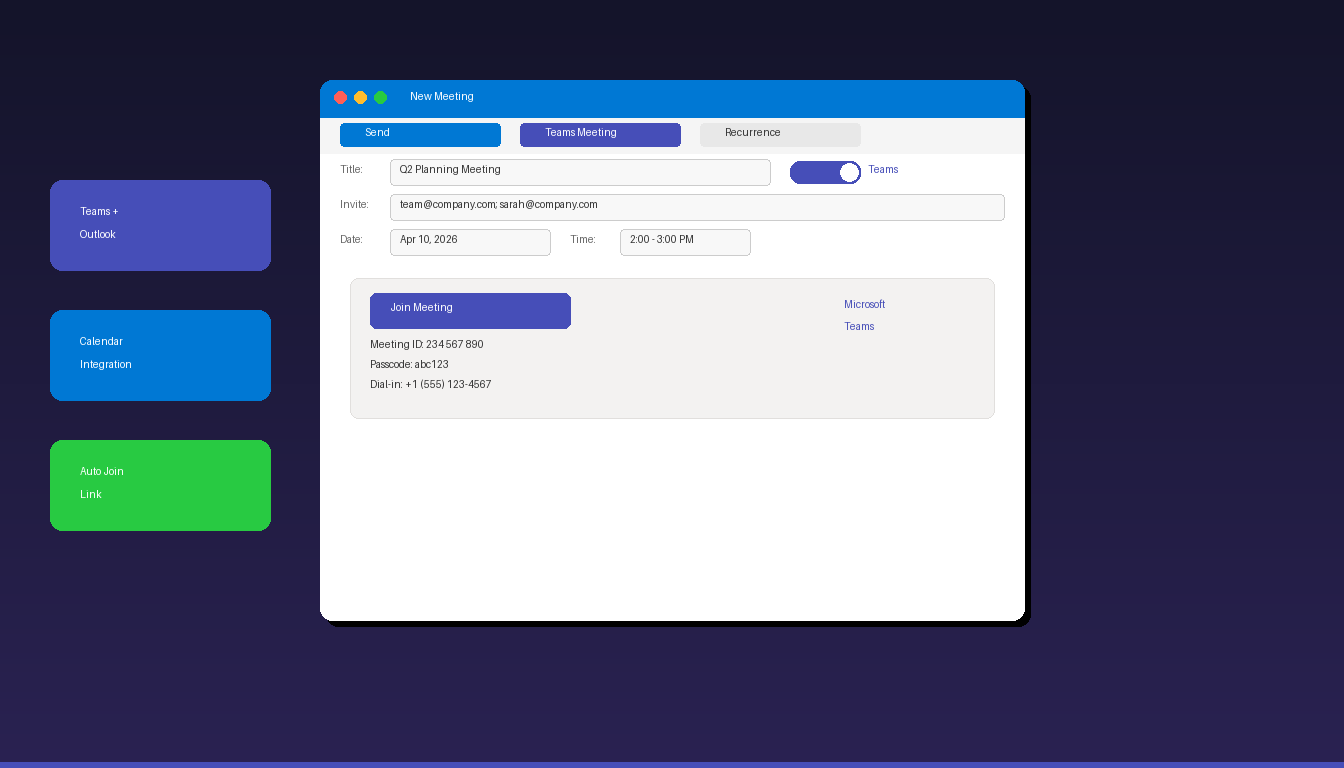
Microsoft Outlook and Teams work together to let you schedule video meetings directly from your calendar — a Teams join link is automatically added to the meeting invite when you…
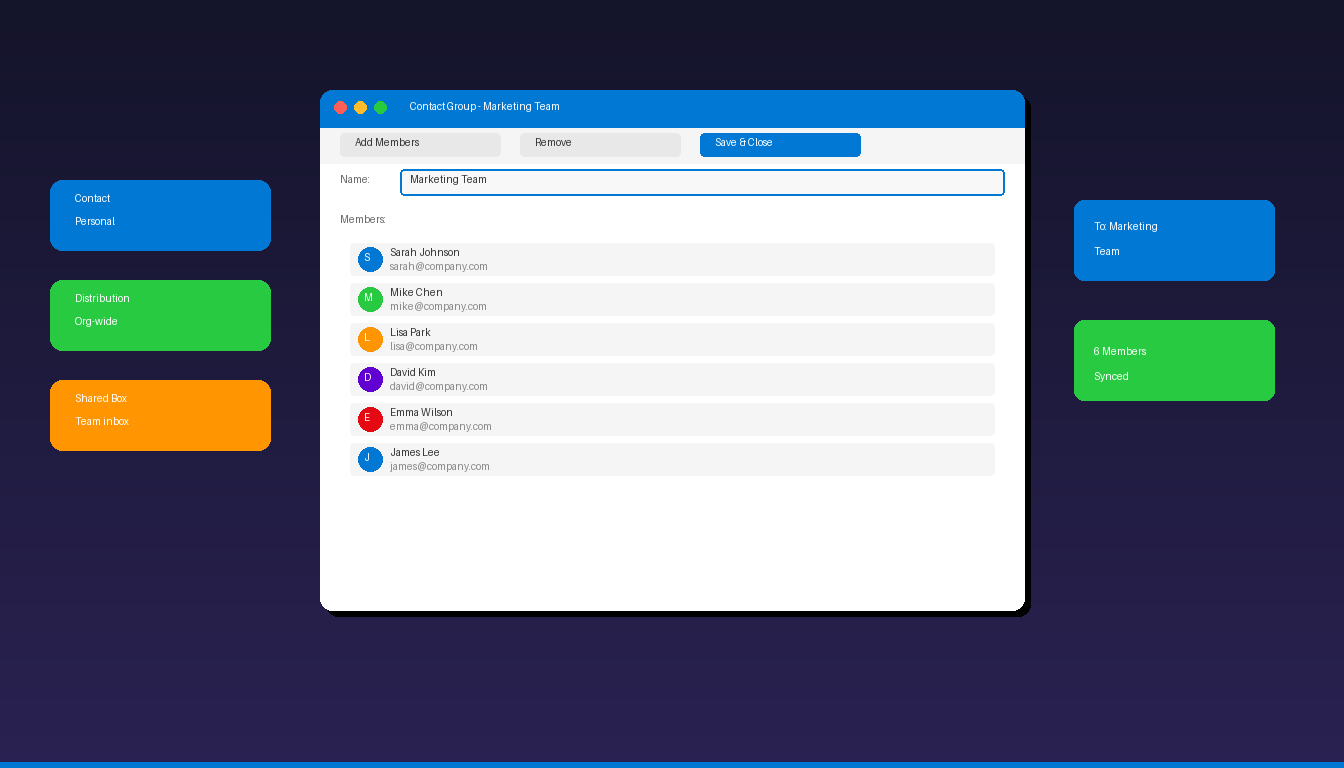
A distribution list in Microsoft Outlook lets you send emails to multiple people at once by typing a single group name instead of adding each recipient individually. Outlook calls these…
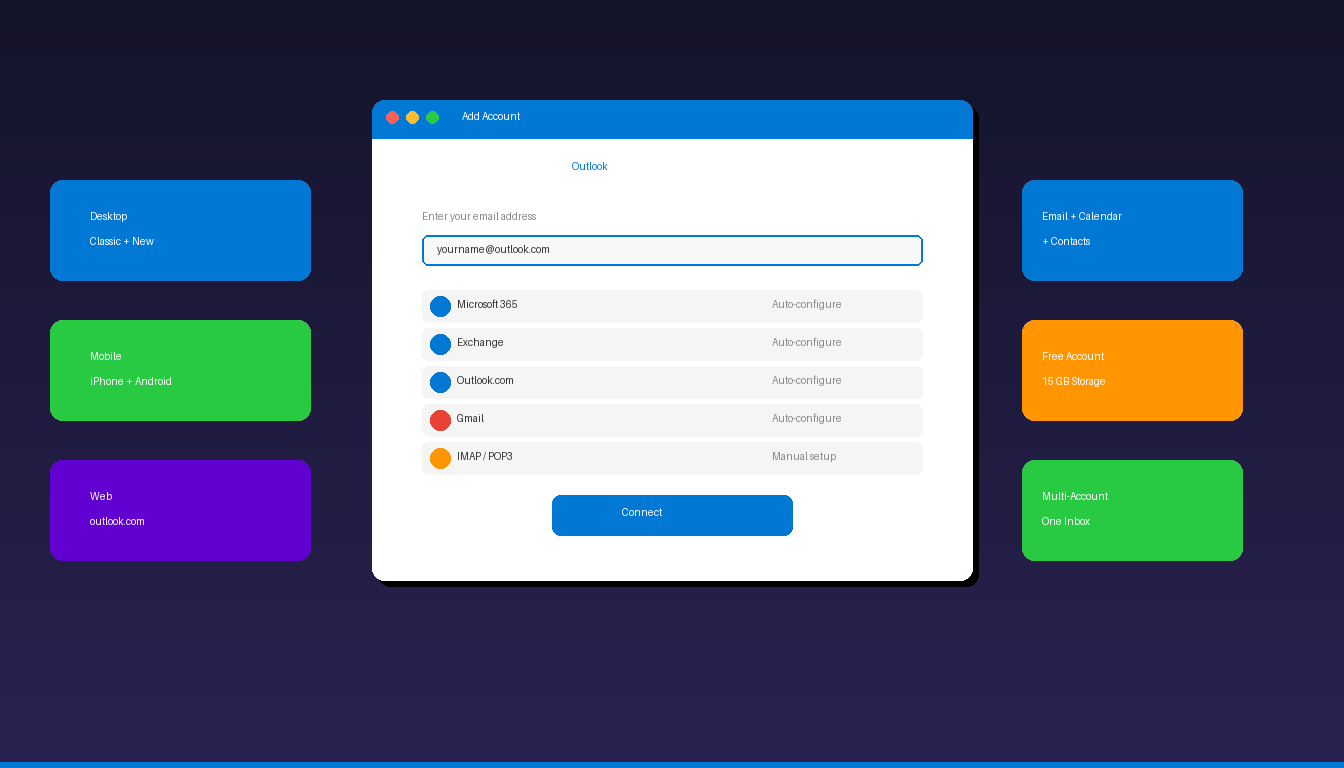
Setting up Microsoft Outlook email involves two steps: creating an email account (or using an existing one) and connecting it to the Outlook app on your computer or phone. Outlook…
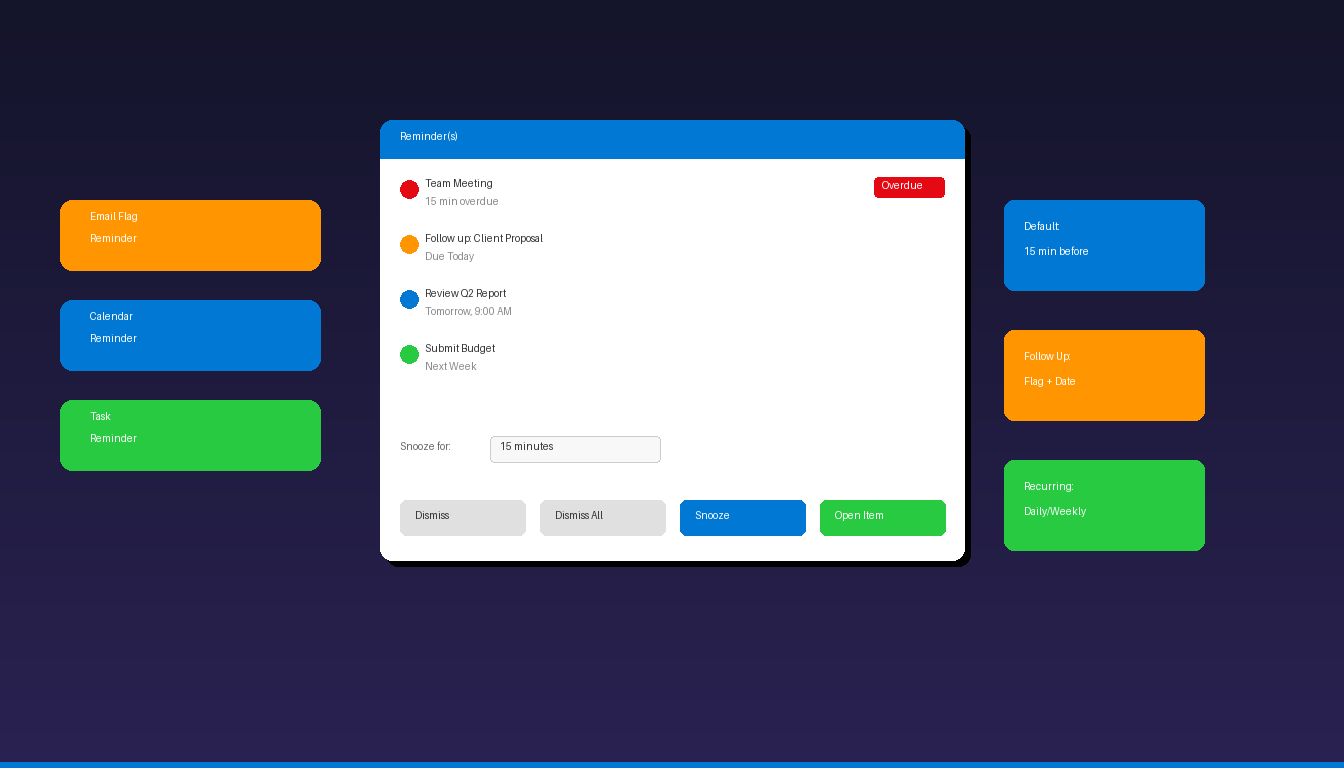
Microsoft Outlook reminders help you stay on top of emails that need follow-up, upcoming calendar events, and task deadlines. You can flag emails for follow-up with a specific reminder date,…
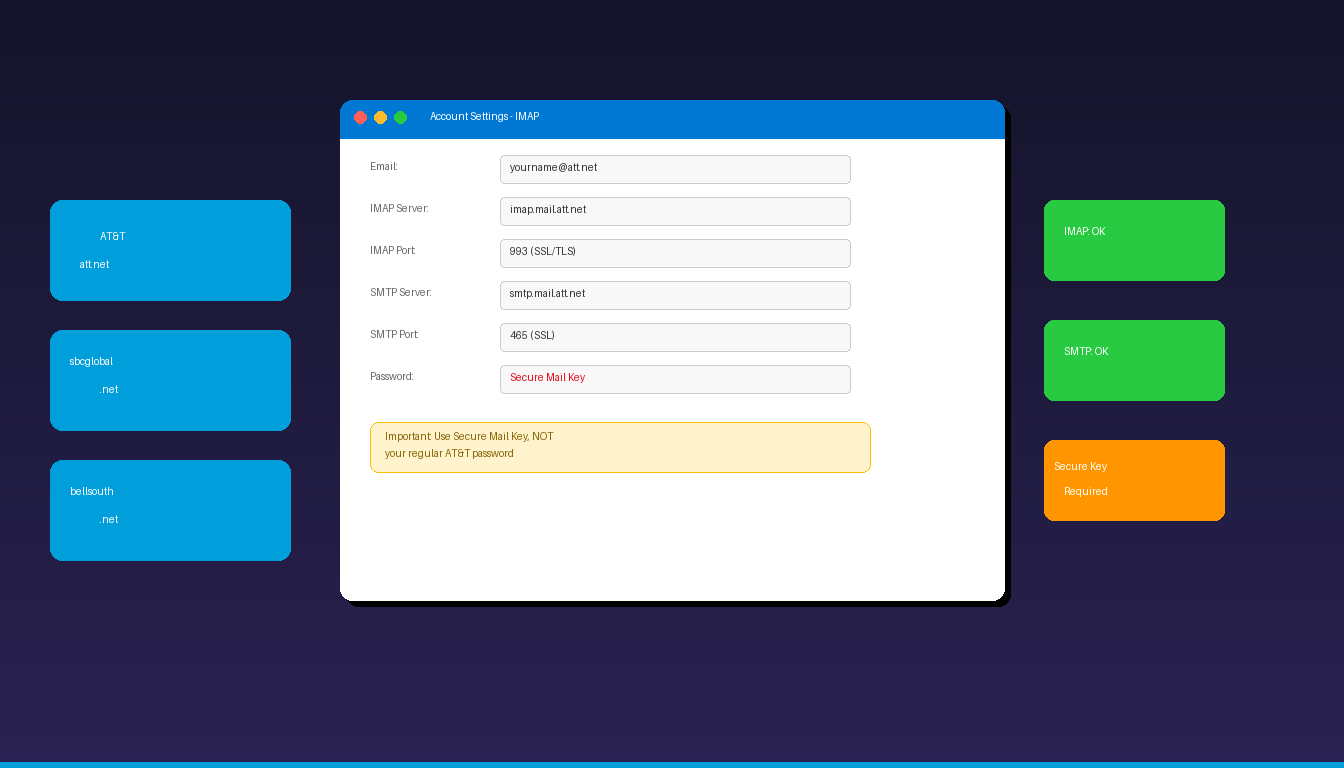
AT&T email accounts (att.net, sbcglobal.net, bellsouth.net) connect to Microsoft Outlook using IMAP and SMTP with one critical requirement: you must generate a Secure Mail Key instead of using your regular…
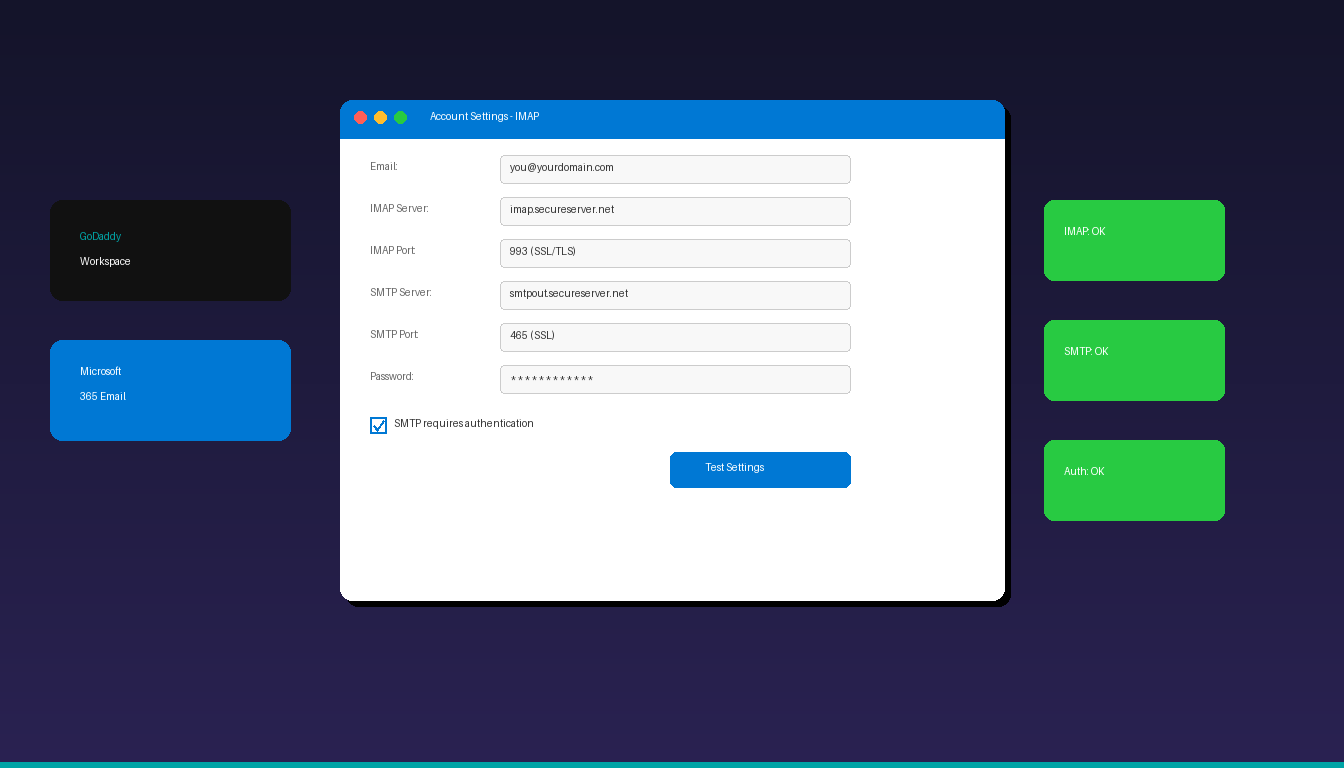
GoDaddy offers two types of email hosting — Workspace Email (their own servers) and Microsoft 365 (Exchange-based) — and each requires a different setup process in Microsoft Outlook. This guide…
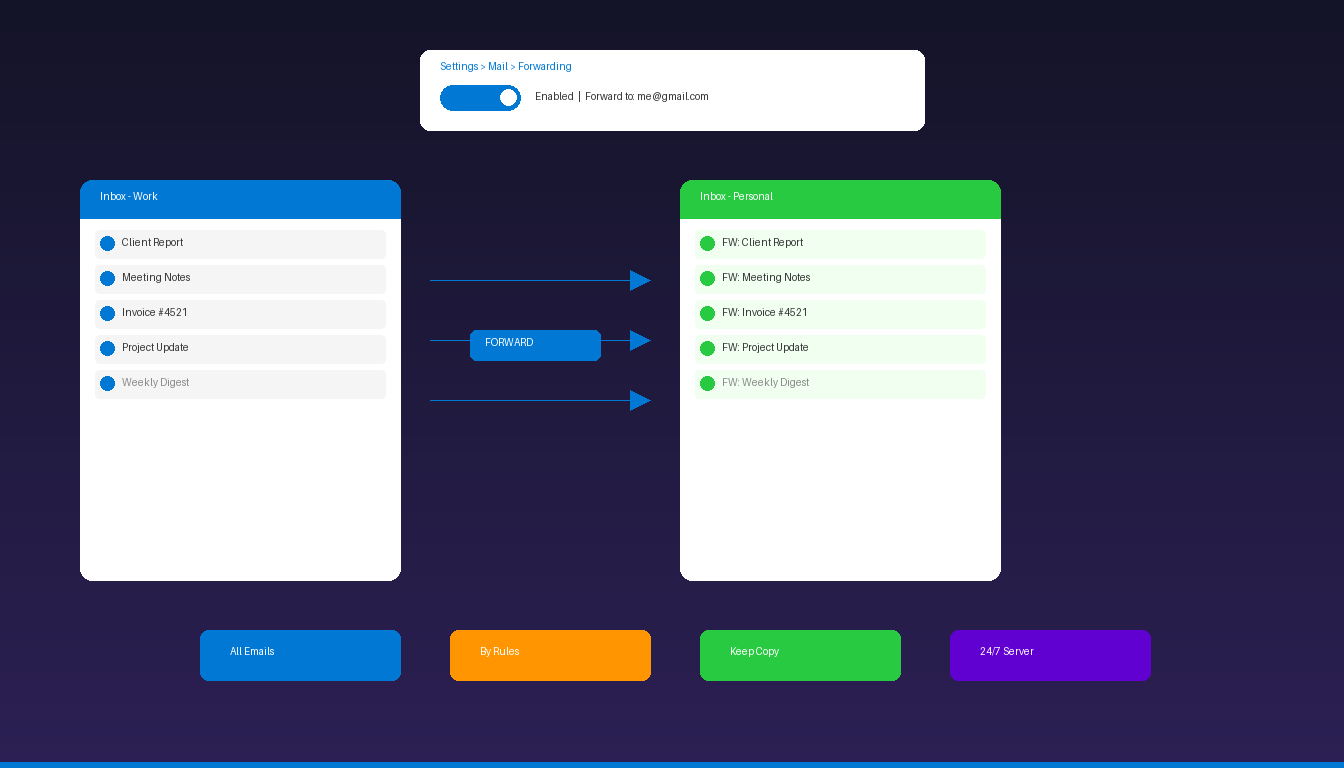
Email forwarding in Microsoft Outlook automatically sends incoming messages to another email address, keeping you connected even when you switch accounts or delegate inbox management. You can forward all emails…
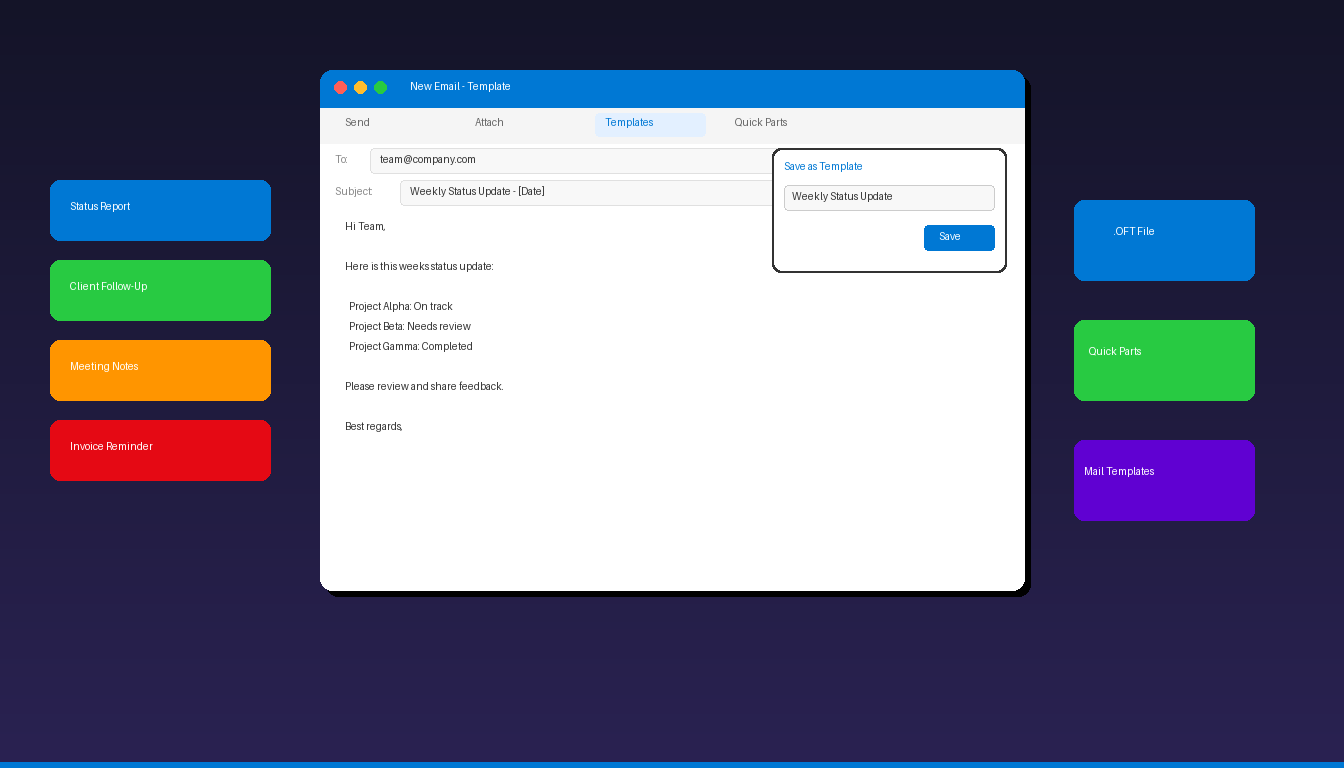
Email templates in Microsoft Outlook let you save pre-written messages that you can reuse anytime — saving minutes on repetitive emails like status updates, client follow-ups, and meeting confirmations. Both…
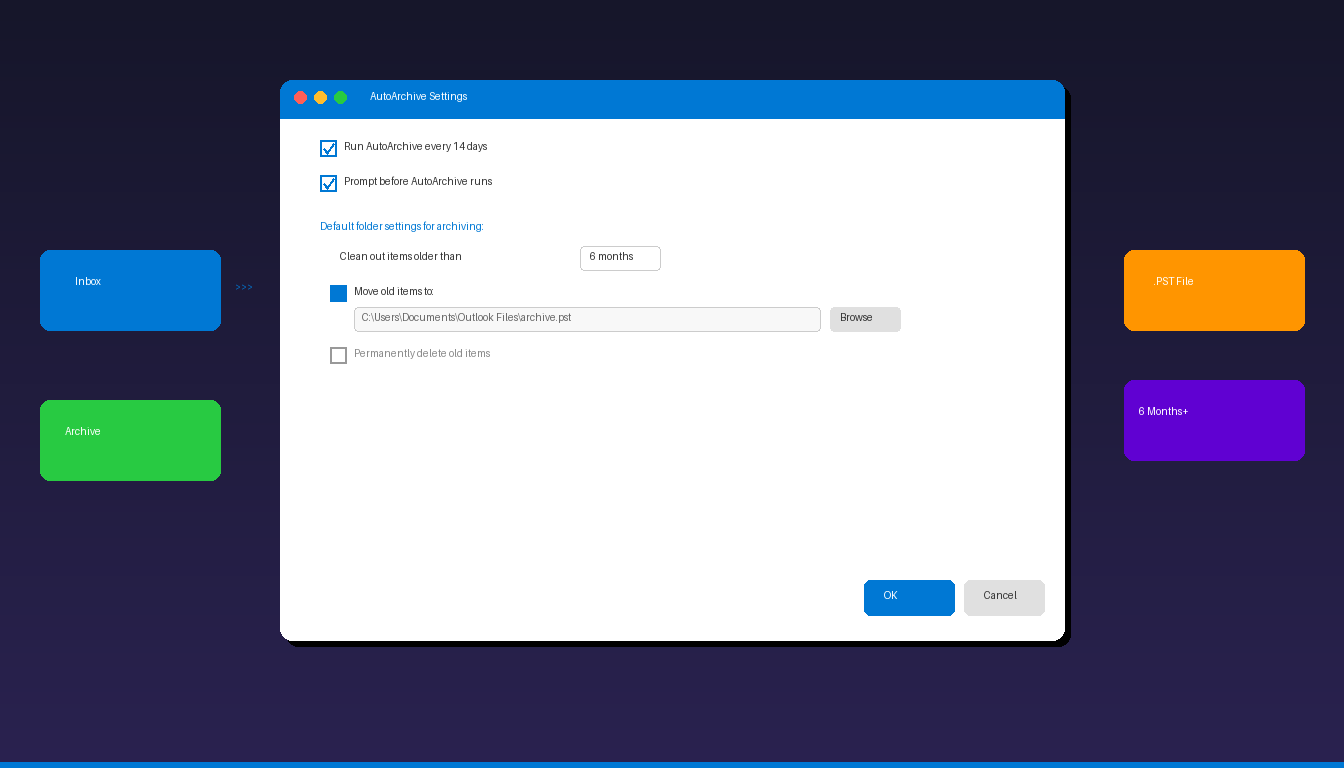
Microsoft Outlook’s AutoArchive feature automatically moves old emails, calendar items, and tasks to a separate archive file, keeping your mailbox lean and Outlook running fast. Whether you use classic Outlook…